


Introduction
The right marketing tools can transform how you connect with clients and close deals.
While your competitors fumble with outdated systems and manual processes, you could be capturing leads, nurturing relationships, and showcasing properties with professional polish.
This guide breaks down the best real estate marketing tools across every category you need.
These aren't random recommendations. Every tool mentioned here has been tested in real-world scenarios, and we only include options we'd personally use (or already do).
Why Marketing Tools Are Essential For Real Estate
Think about your typical day. You're juggling property showings, client calls, paperwork, and somehow need to maintain an active social media presence, respond to leads instantly, and keep your website updated with fresh listings.
Marketing tools automate the repetitive tasks and amplify your efforts. They help you stay in touch with hundreds of leads simultaneously, create professional content in minutes instead of hours, and ensure no opportunity slips through the cracks.
In a business where response time can make or break a deal, the right tech stack gives you a competitive edge.
How We Chose The Tools
We've personally tested every tool in this guide. If something didn't deliver real value or proved too complicated for practical use, it didn't make the cut. You'll find options for different skill levels and budgets because we understand that a solo agent starting out has different needs than an established team.
Best Real Estate Marketing Tools
Domain Hosting

Squarespace Domains
Squarespace makes securing your custom web address straightforward. You get WHOIS privacy included, which keeps your personal information protected, and the domain integrates seamlessly with Squarespace's website builder if you go that route.
The platform excels at simplicity. You can claim a memorable .com like YourNameHomes.com and have it up and running quickly. For agents who want to establish a polished online presence without wrestling with technical details, it's an excellent starting point.
GoDaddy
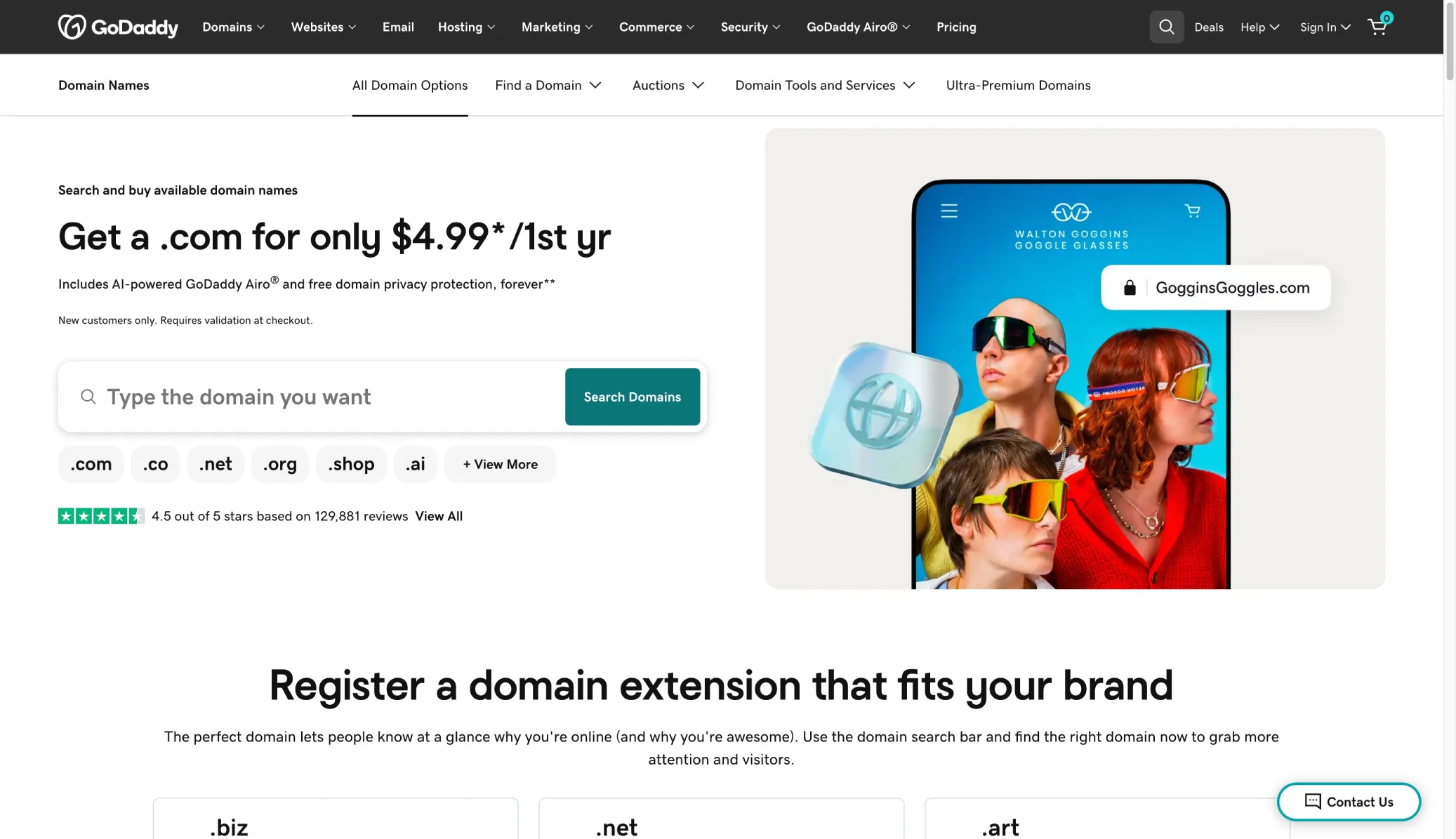
GoDaddy remains one of the most popular domain registrars for good reason. The interface is user-friendly, and you'll find extensive domain options including creative property-themed addresses.
If you manage multiple domains or simply want a trusted platform with reliable customer support, GoDaddy delivers. The search functionality makes it easy to find available domains, and their support team can help if technical issues arise.
File Storage
Google Workspace (Google Drive)
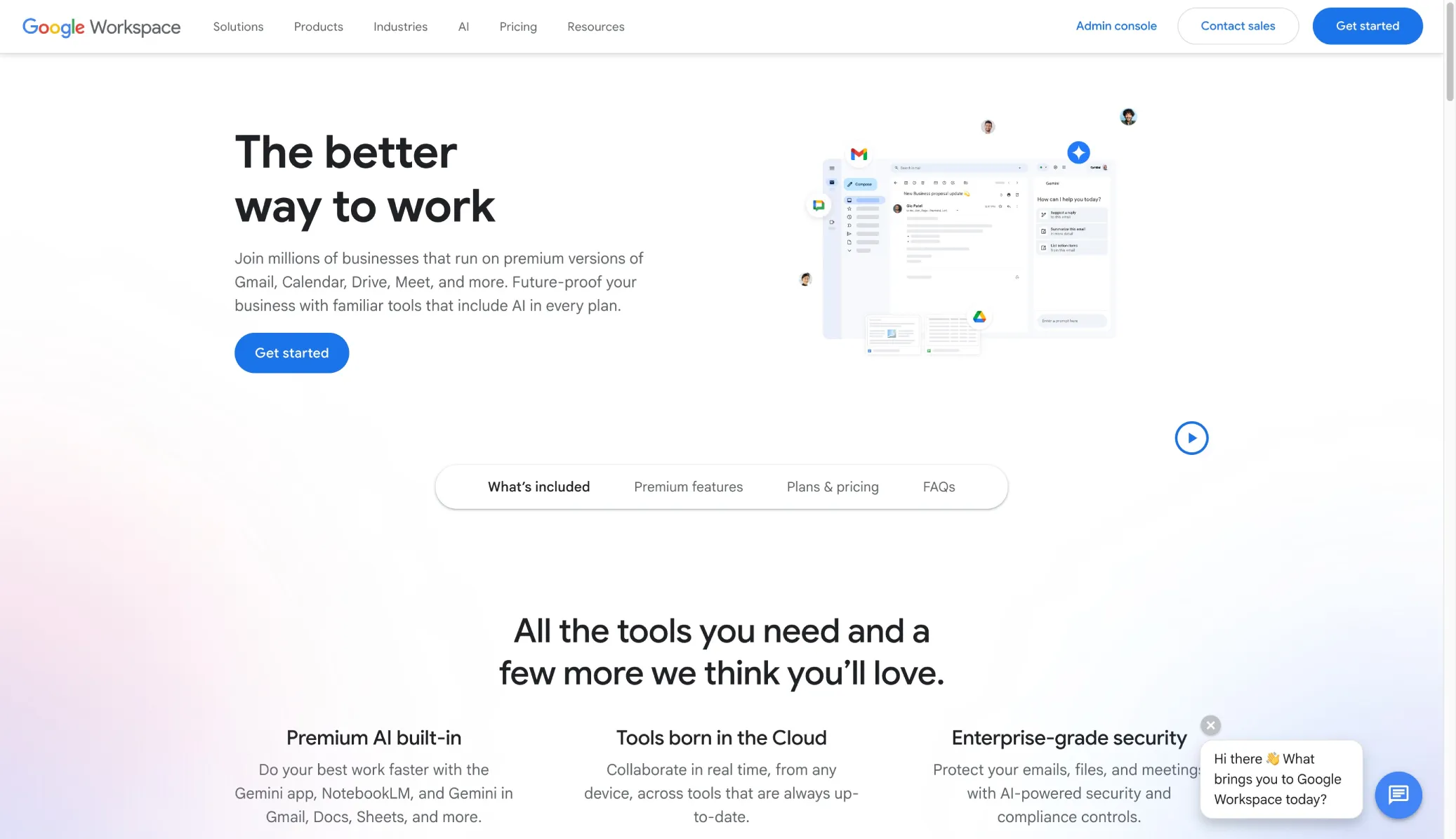
Google Drive transforms how real estate teams handle documents and collaboration. Everything from contracts to listing photos to marketing materials lives in the cloud, accessible from anywhere.
The real power shows up during collaboration. Multiple team members can simultaneously edit a comparative market analysis in Google Sheets or work together on a presentation in Google Slides.
During showings, you can pull up important files on your phone instantly. The automatic backup means you'll never lose critical transaction documents, and the organizational tools help you keep hundreds of listings and client files sorted properly.
Dropbox
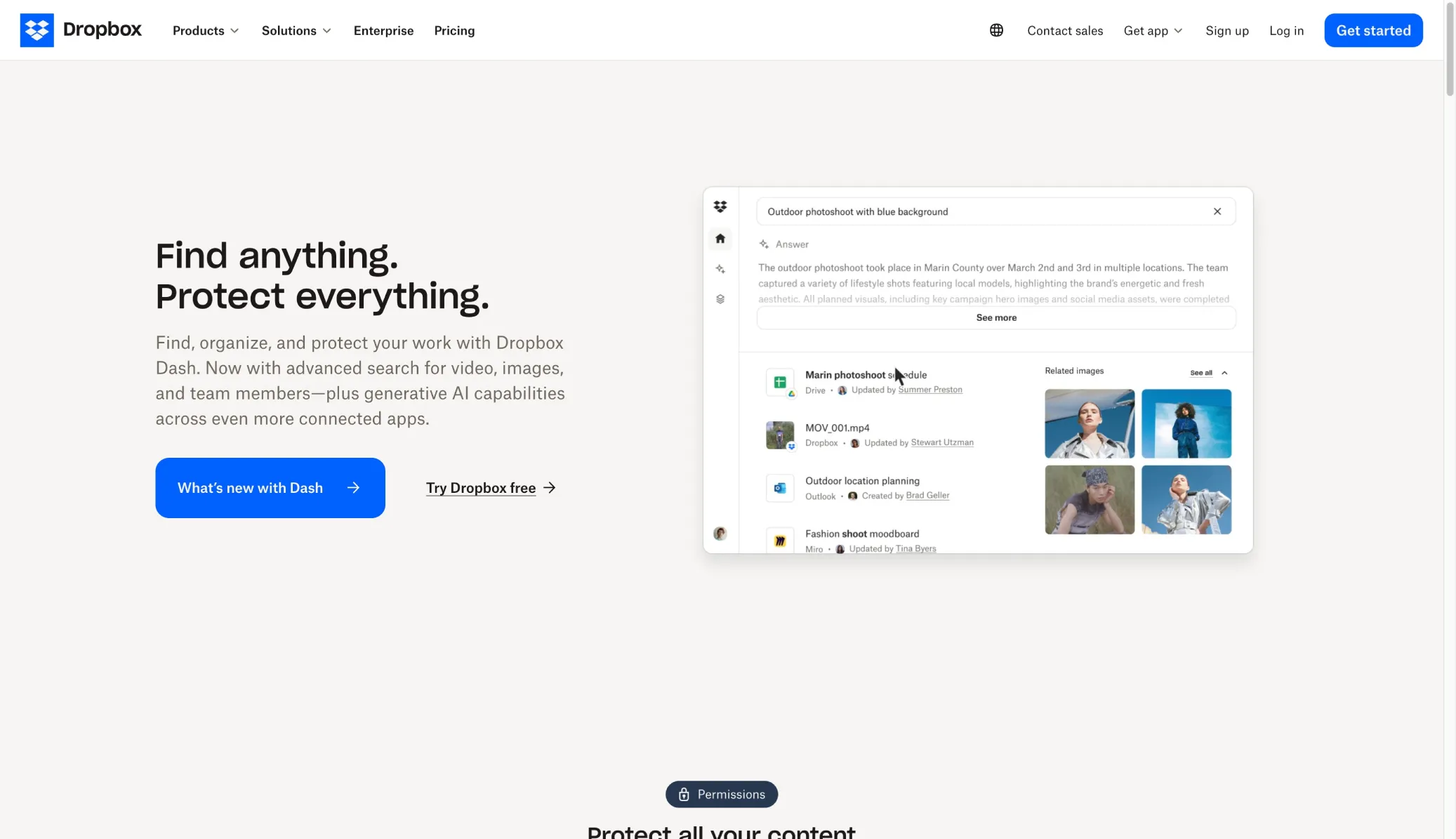
Dropbox shines when you need to share large files. High-resolution photos, video walkthroughs, and virtual tour footage can be sent to clients via a simple link instead of clogging up email inboxes.
The automatic syncing across devices means you always have access to the latest version of any document. Whether you're at a home inspection checking specs on your phone or in the office reviewing contracts on your laptop, everything stays updated.
Website Builders
We have a dedicated post diving deeper into real estate website builders, but here is a general overview of the ones we recommend.
Squarespace
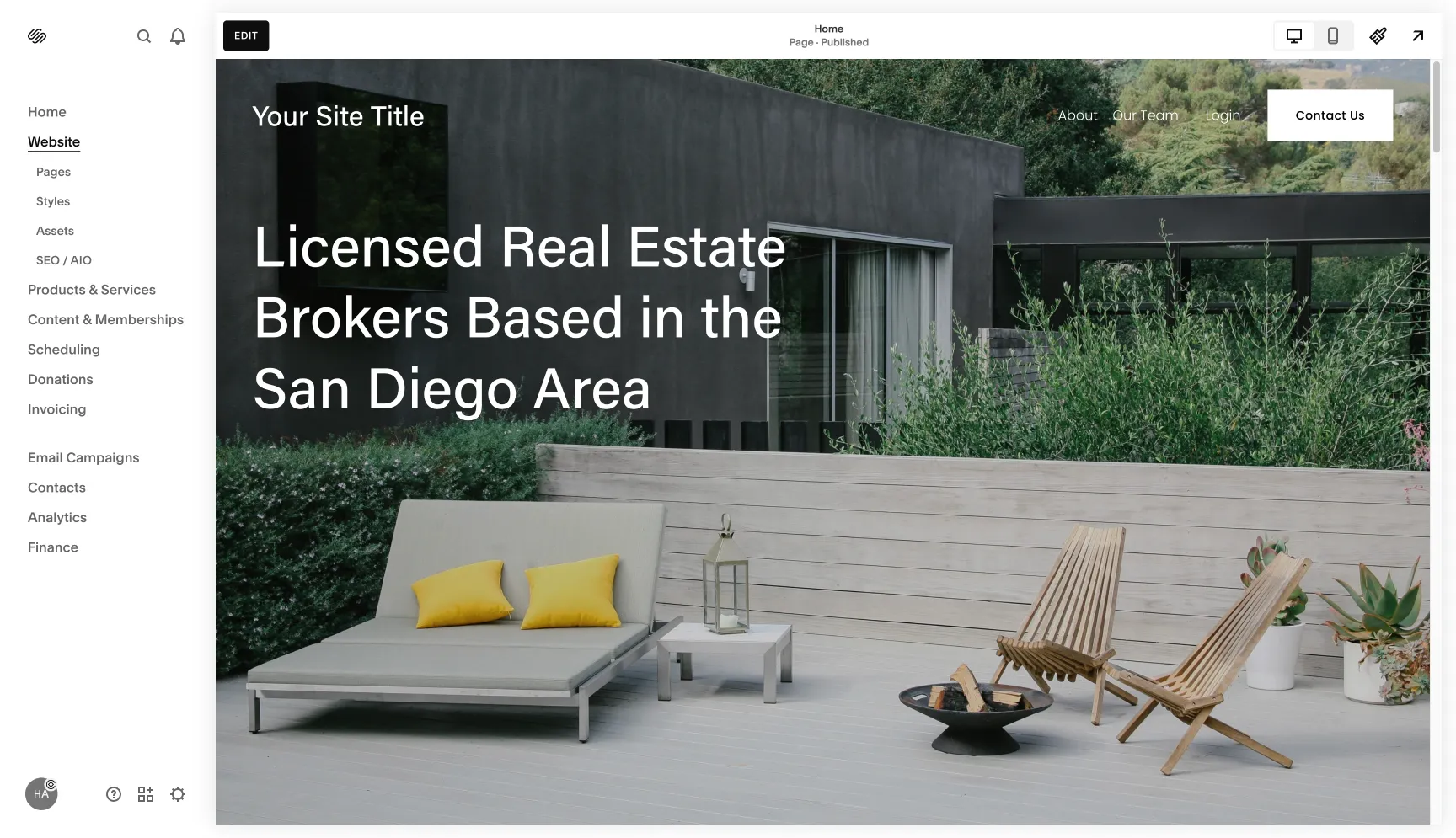
Squarespace is built for people who want beautiful results without coding knowledge. The real estate templates look modern and professional right out of the box, and the drag-and-drop editor makes customization intuitive.
You can launch a credible website in a weekend. Showcase listings, embed virtual tours, and capture lead inquiries with built-in forms. The designs are mobile-responsive, which matters since many buyers browse properties on their phones. For solo agents or small teams who need to get online fast, Squarespace removes the technical barriers.
Framer
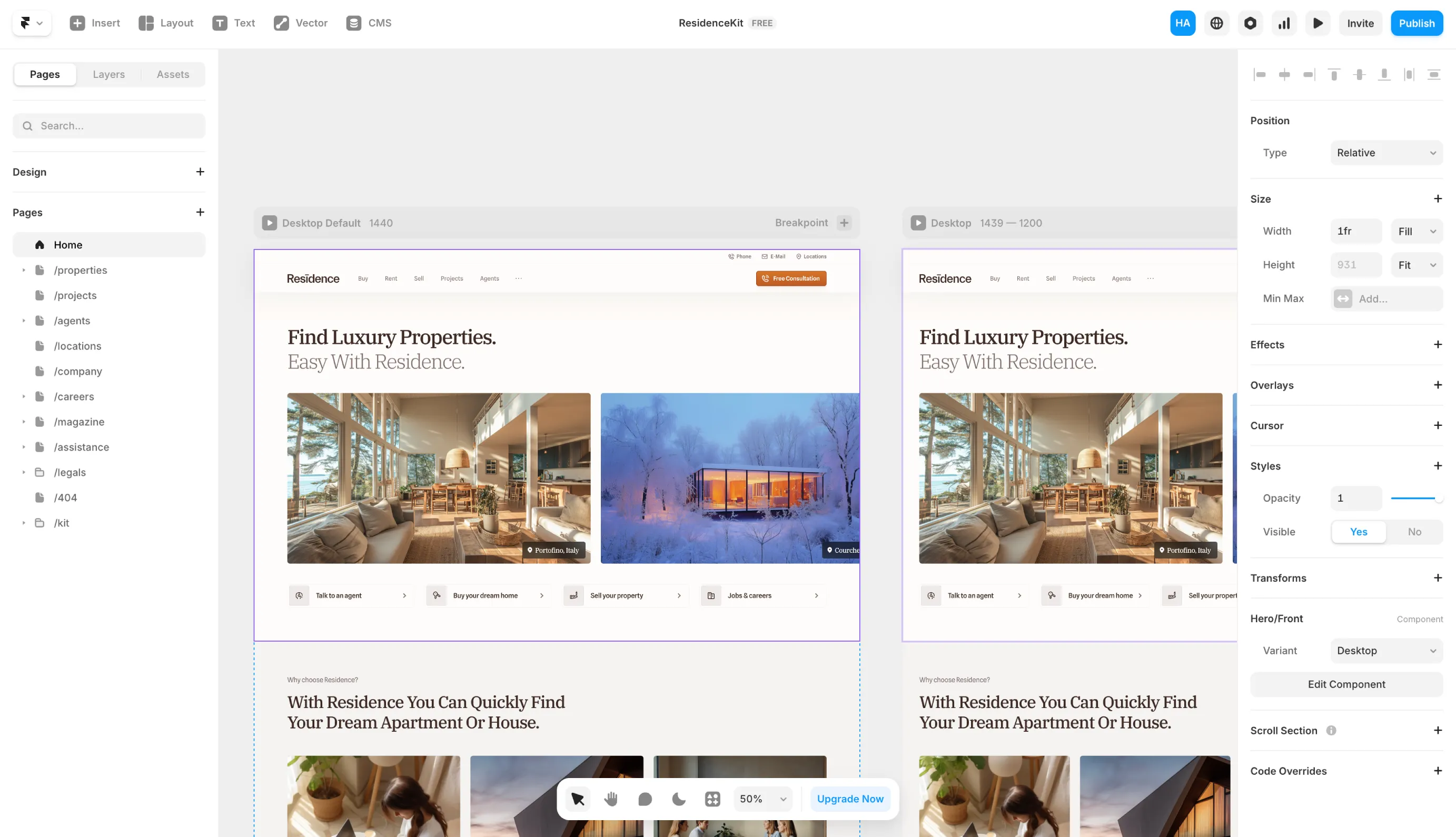
Framer sits in the middle ground between simplicity and customization. You get more design flexibility than Squarespace but don't need to become a full developer.
This option works well if you want unique features like interactive neighborhood maps or custom landing pages for luxury properties.
The template-based approach keeps things manageable, but you have room to create something that stands out. Expect a slightly steeper learning curve than Squarespace, but the creative control can be worth it.
Webflow
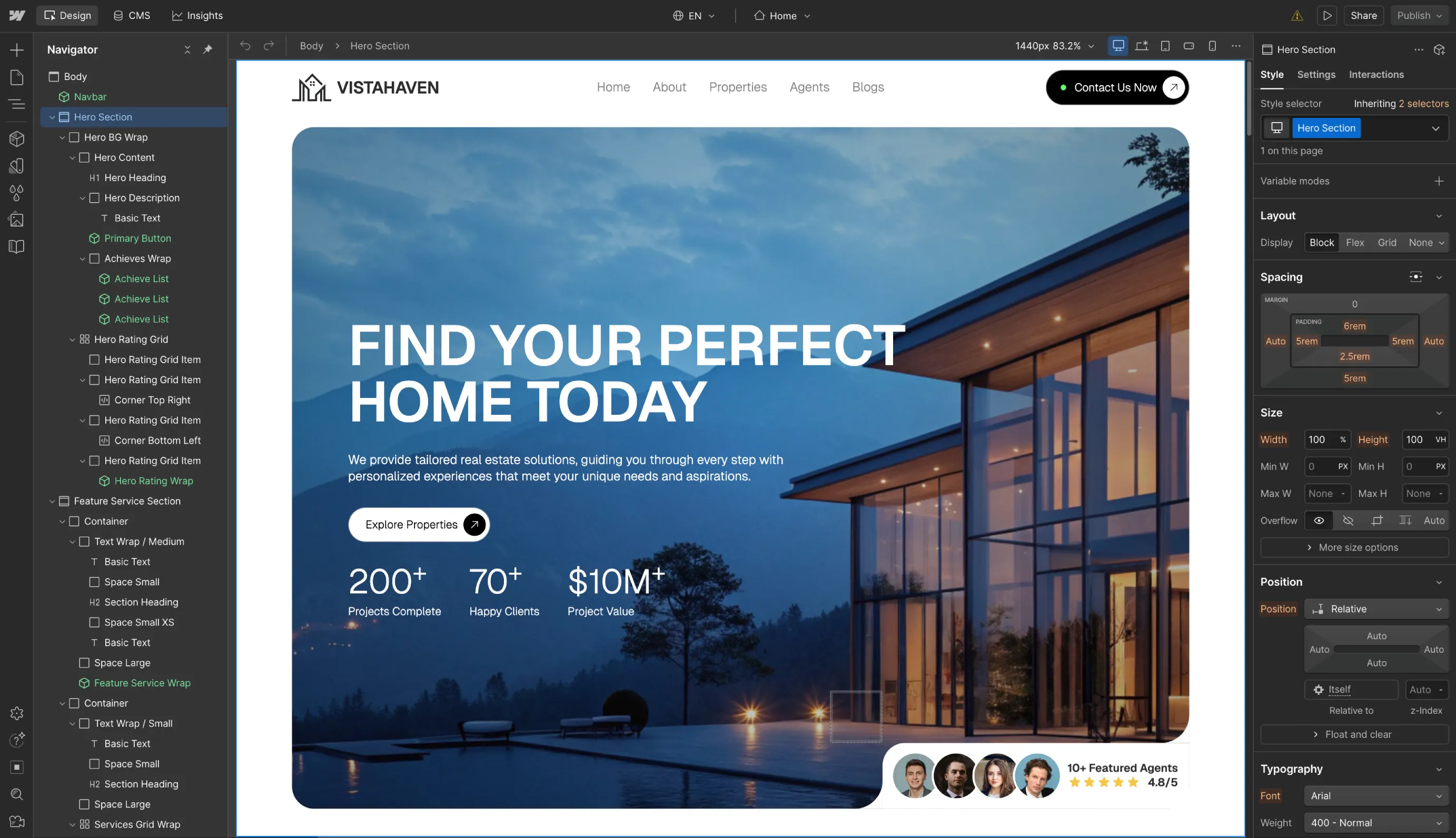
Webflow gives you total design freedom. You can customize every detail, integrate MLS feeds, add dynamic blogs, and build exactly the site you envision.
However, this power comes with complexity. Webflow has a real learning curve, so it's best for teams ready to invest time in mastering the platform or who can hire a designer. The payoff is a completely unique website limited only by your imagination.
For brokerages or high-end brands that need custom features and want to project luxury through their web presence, Webflow delivers the tools to make it happen.
SEO Tools
Below are some of the SEO tools we recommend. We also have a dedicated post that dives deeper into real estate SEO strategy, which breaks down every step involved in SEO.
Google Search Console
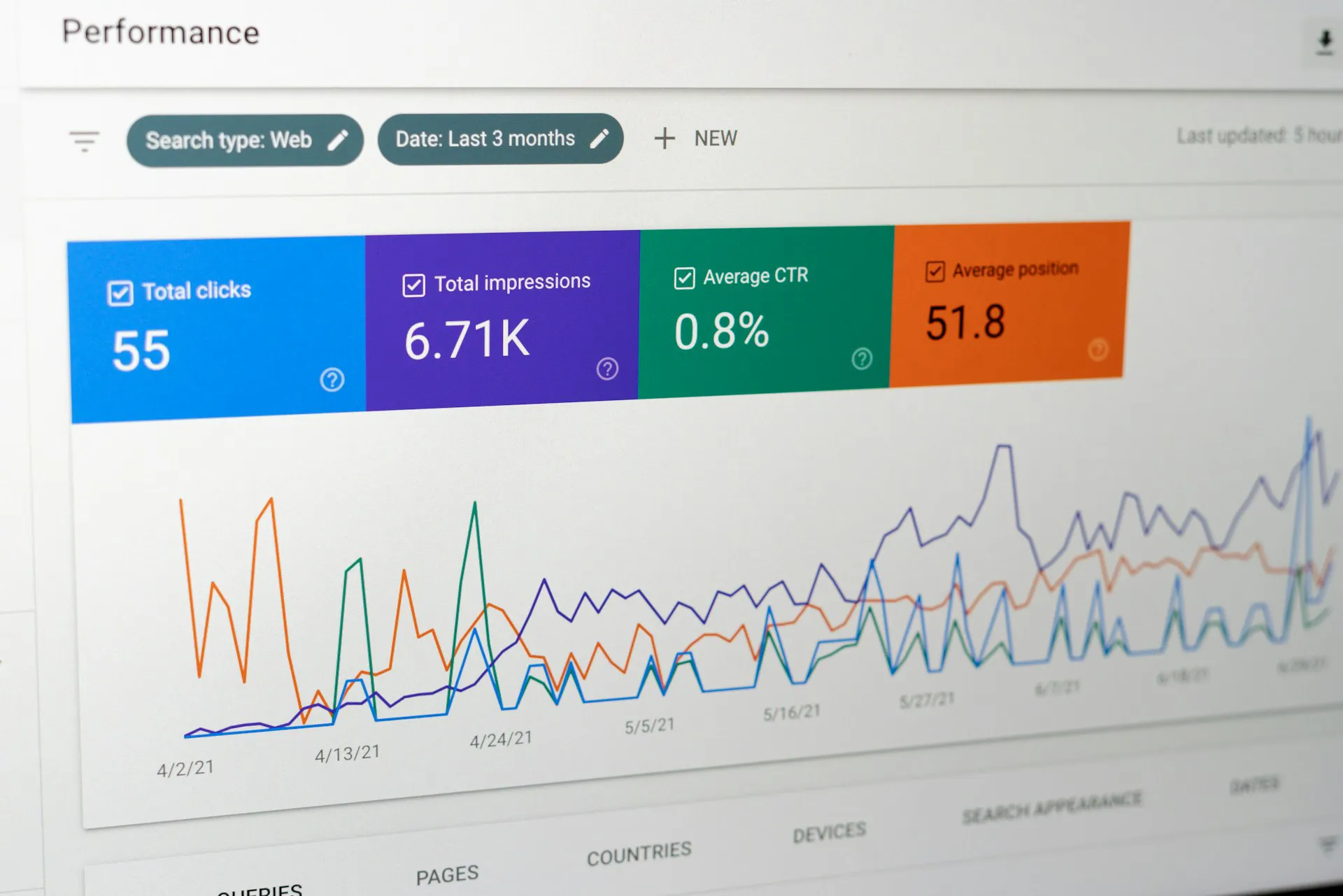
Google Search Console is free and essential. It shows you which search queries bring people to your site, whether your pages are properly indexed, and alerts you to technical problems like broken links or mobile usability issues.
You can track if your community guide ranks for "homes for sale in [Town Name]" and see actual data on clicks, impressions, and keywords. This information helps you adjust your SEO strategy to capture more organic leads. If you only use one SEO tool, make it this one.

Answer The Public
Answer The Public reveals the actual questions people type into search engines. Enter a term like "home buying" and you'll discover what buyers really want to know: "How to finance a first home?" or "When is the best month to sell a house?"
Use these insights to create blog posts, FAQ pages, or social media videos that directly address client concerns. You'll boost your SEO while establishing yourself as an authority who understands buyer pain points.

Ubersuggest
Created by marketer Neil Patel, Ubersuggest makes SEO accessible for beginners. It generates lists of local real estate keywords with search volumes and difficulty scores, helping you decide what to target.
The interface is straightforward and budget-friendly. You can quickly discover content ideas like popular neighborhood search terms and check your site's SEO health. Use it to pick the right keywords for your listings and get actionable suggestions for improving rankings.
Ahrefs
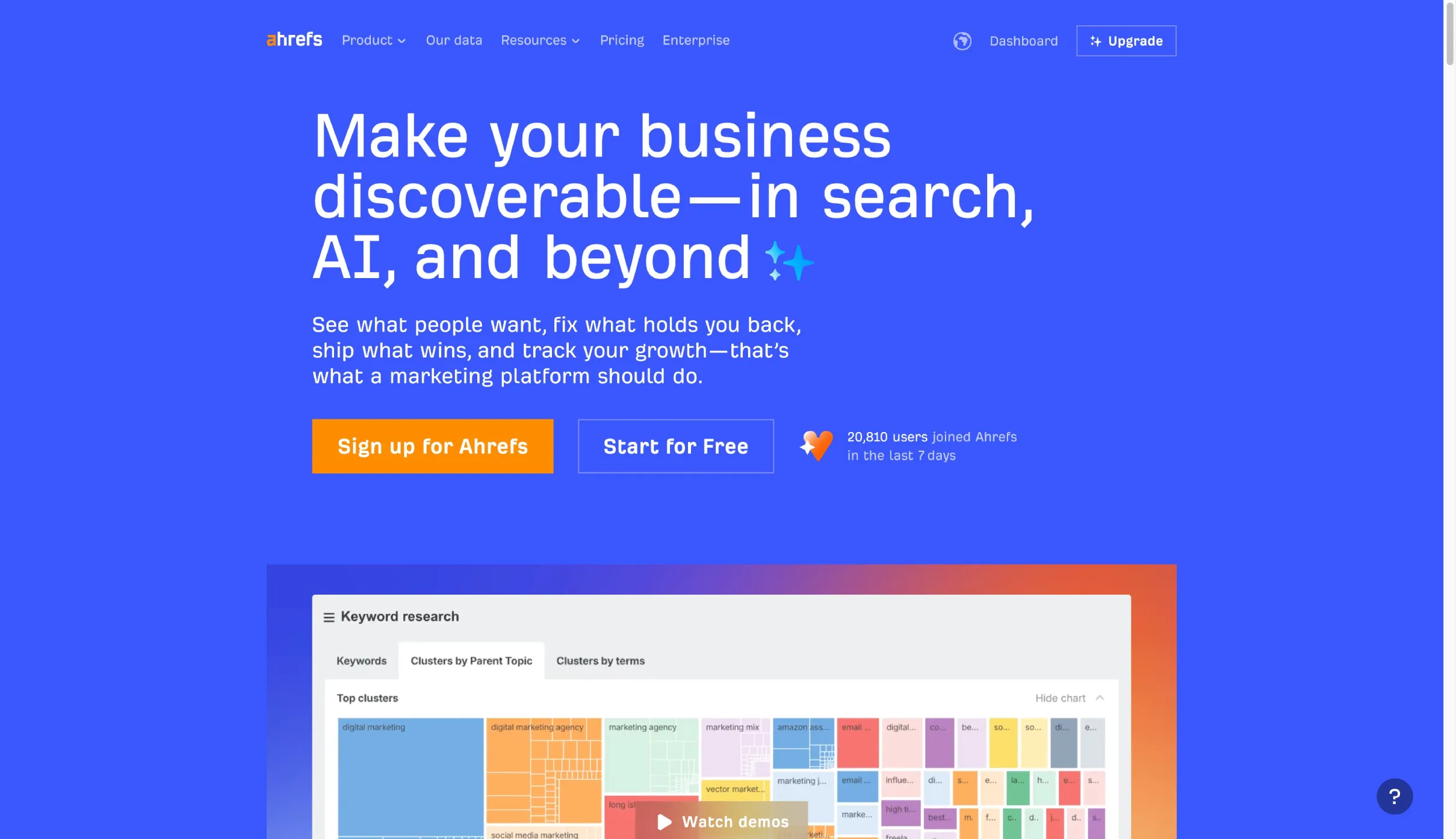
Ahrefs provides professional-grade SEO data, particularly strong in backlink and keyword analysis. You can uncover which keywords your competitors rank for, analyze their backlink profiles, and track your own rankings with excellent accuracy.
A brokerage might use Ahrefs to find which local news sites or chamber of commerce pages link to top competitors, then pursue similar links. The tool also offers a free version for those starting out. If you want deep insights backed by reliable data, Ahrefs is worth the investment.
Semrush
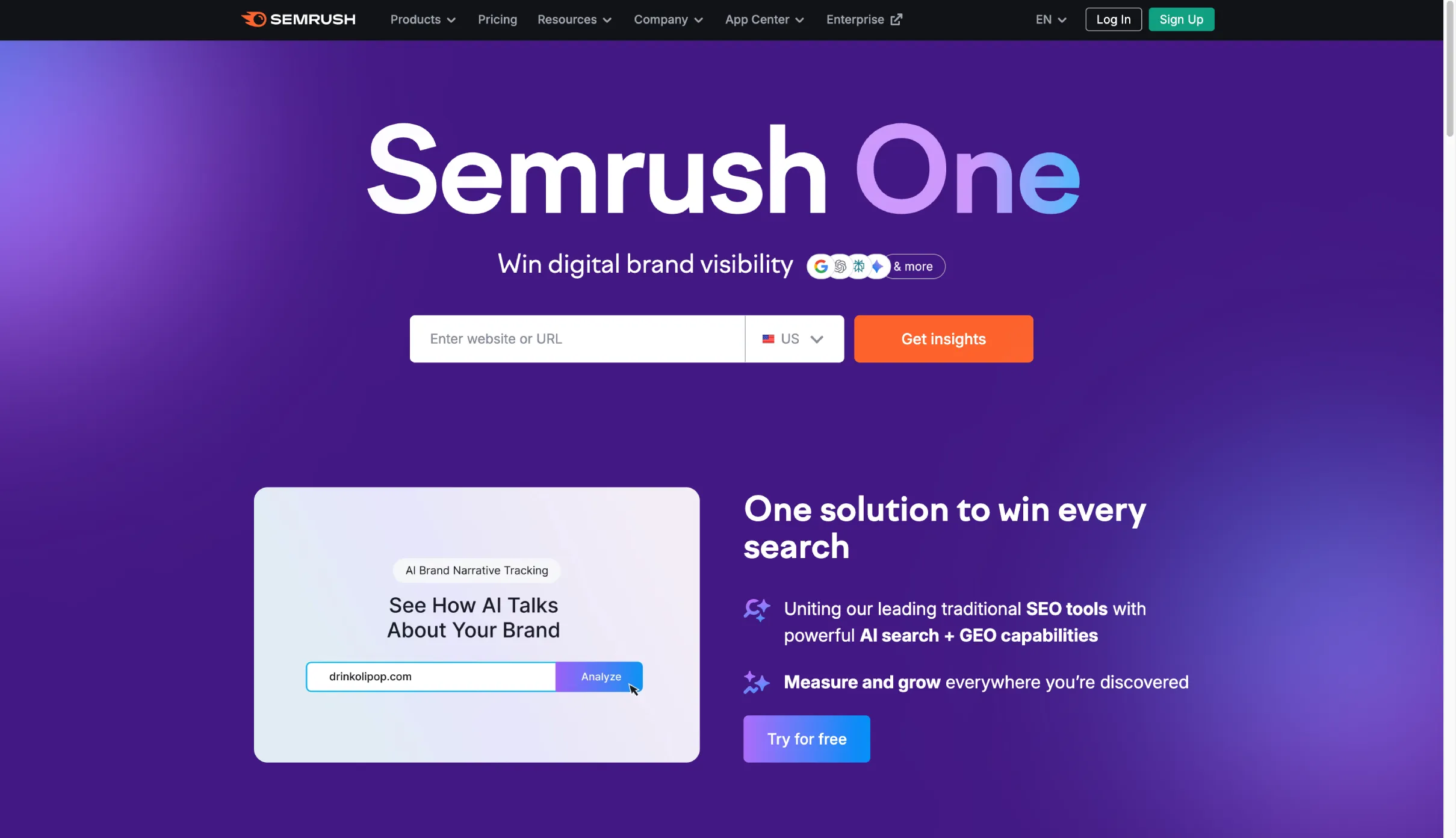
Semrush is the Swiss army knife of digital marketing tools. It handles SEO, PPC, content marketing, and competitor analysis in one platform.
You can track how your site ranks for "homes in [Your City]", monitor competitors' Google Ads, analyze their social media performance, and audit your website for SEO issues.
For real estate teams wanting a comprehensive view of their online marketing, Semrush brings everything together. It also offers a free version to get started. The breadth of features makes it ideal for developing an integrated strategy.
Social Media Tools

Buffer
Buffer lets you schedule and automate posts across Facebook, Instagram, and LinkedIn. Instead of manually posting new listings or home tips daily, you can batch your content and let Buffer publish at optimal times.
Set up a month's worth of "Just Listed" highlights and neighborhood features in one sitting. The consistent presence keeps you engaging with followers even when you're busy with showings and closings. Managing everything from one dashboard saves substantial time while maintaining your social media marketing momentum.
We also have a separate post on real estate social media strategy that goes deeper into best practices.
Paid Advertising Tools
We have dedicated posts for both Google Ads and Facebook Ads, but here's what makes each platform valuable.
Google Ads
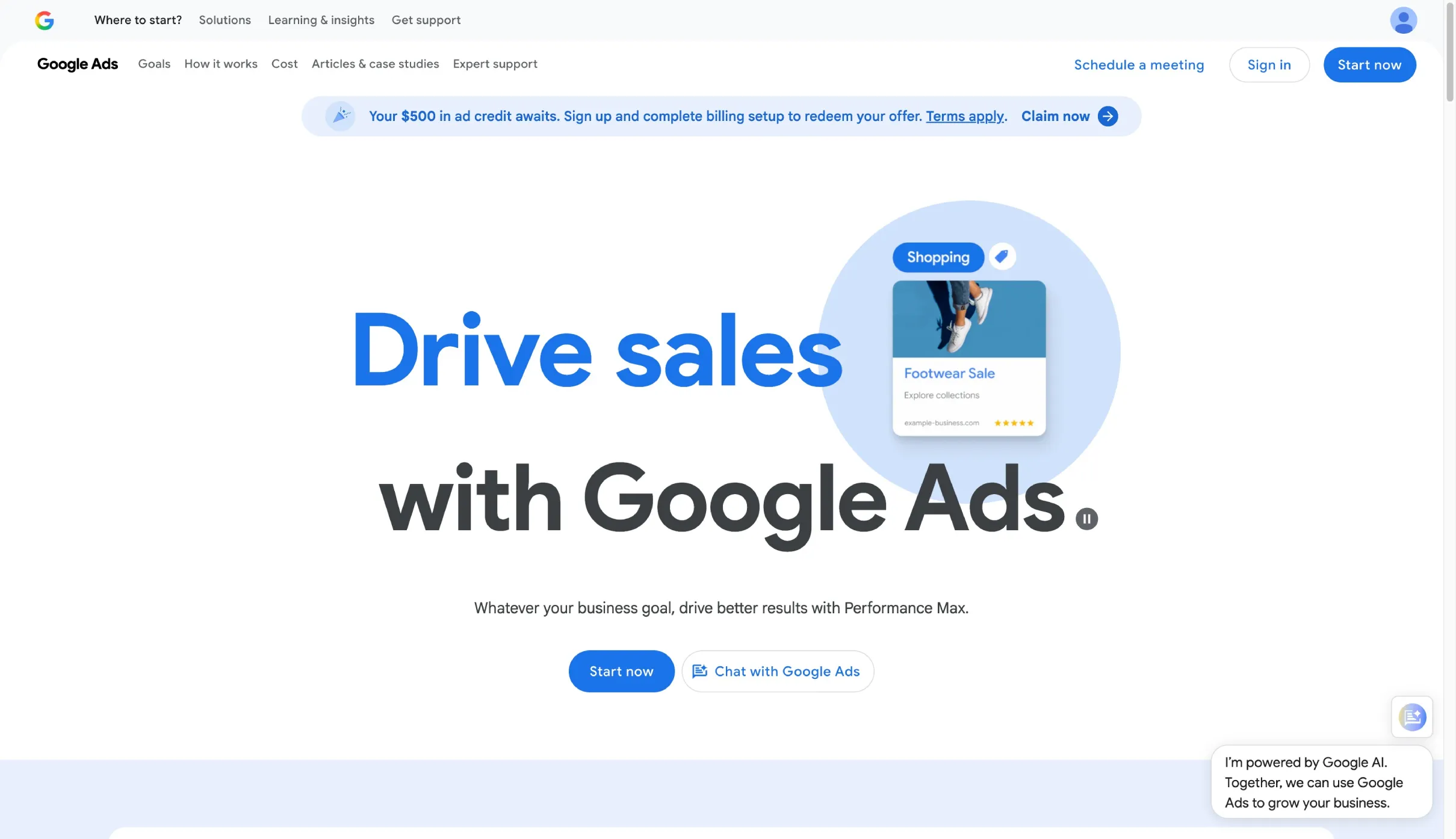
Google Ads captures people with high intent. When someone searches "homes for sale in [Your City]" or "realtor near me", your ad can appear at the top of results.
The strength is in reaching people actively looking for real estate services. You can promote new developments, capture buyer leads, or target sellers with specific offerings.
Location targeting and keyword selection help you connect with prospects at the exact moment they're searching. Set a proper budget and write compelling ad copy, and you'll generate a steady flow of qualified leads.
Facebook Ads
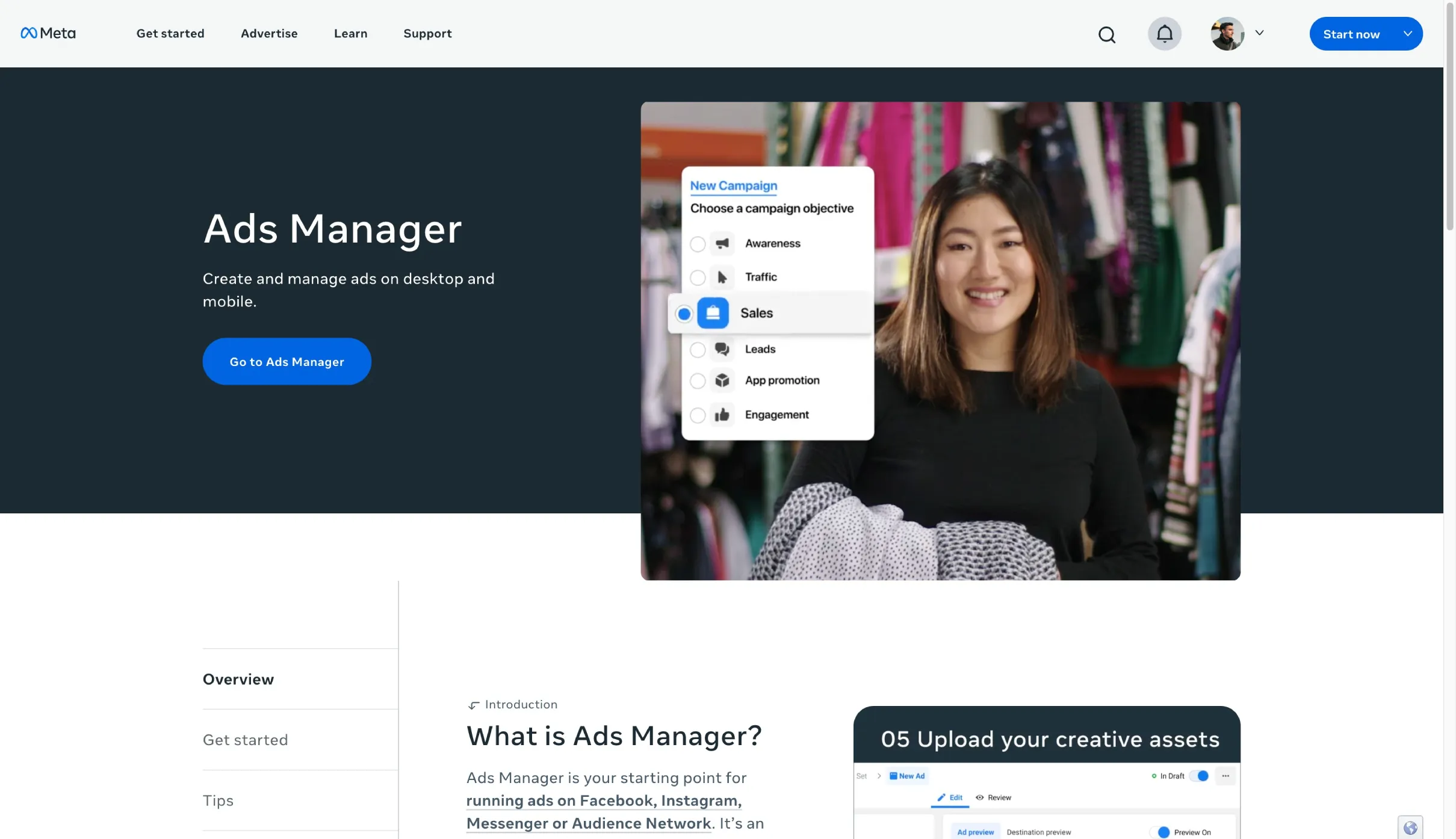
Facebook Ads excels at demographic and interest-based targeting. Run visual ads with carousel photos, video walkthroughs, or home valuation offers, then target them precisely.
You might reach people aged 30-55 in your city who have shown interest in real estate or moving. The platform can target hyper-locally, like a specific radius around a zip code for an open house.
Unlike Google Ads, you're reaching people who aren't actively searching but fit your ideal client profile. The interactive nature lets leads comment and share, helping you build awareness and turn casual browsers into interested prospects.
Video Editing
Veed.io
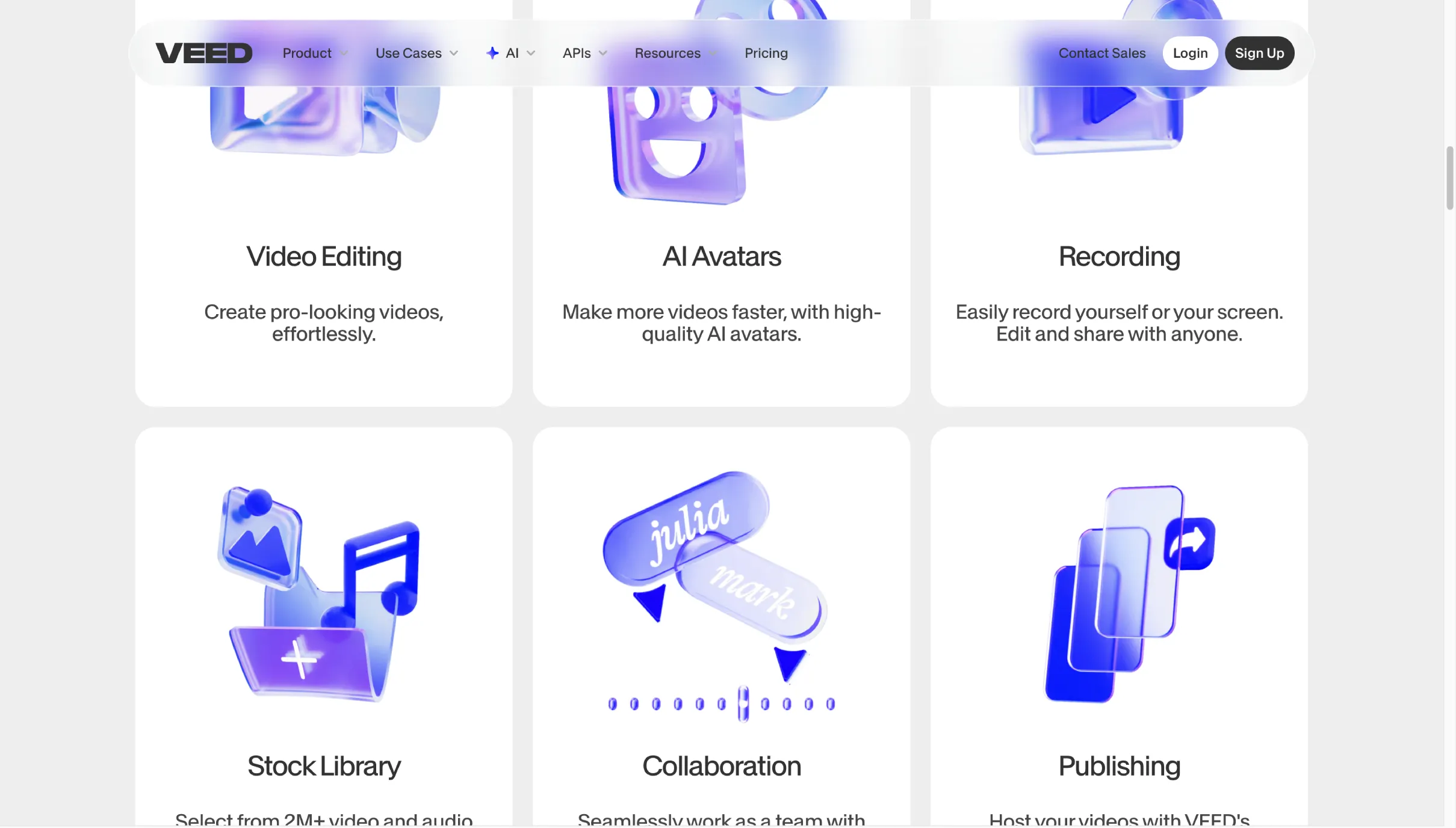
Veed is an online video editor designed for simplicity. You can create polished property showcase videos or social media clips without advanced skills or expensive software.
Drag and drop footage, add text overlays with listing prices or contact information, include captions, and use AI tools like auto-subtitles. Turn raw smartphone footage into a branded video tour with music and your logo, all in a browser.

CapCut
CapCut is a free video editing app popular for TikTok and Instagram content. It's perfect for creating short, engaging videos like home tour snippets, before-and-after staging comparisons, or neighborhood highlights.
Film clips on your phone, then add transitions, captions, music, and effects through ready-made templates. You can produce a polished 30-second reel highlighting a 3-bedroom home with pool in minimal time. The creative effects and ease of use help you maintain consistent video content for social media.
Instagram Edits
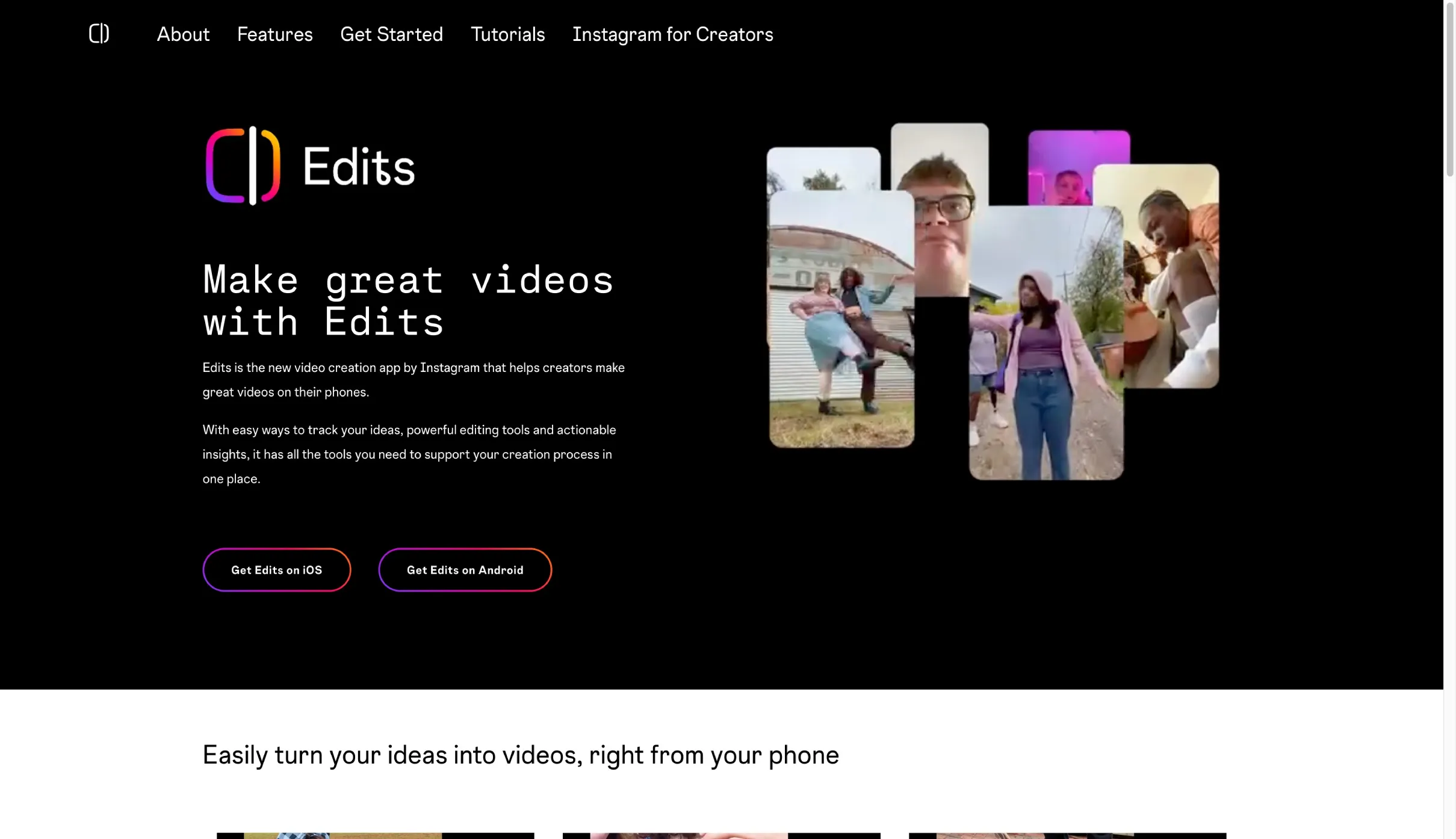
Instagram's native Edits app integrates seamlessly with Reels and Stories. Film a walkthrough or client testimonial on your phone, then trim, add music, captions, and filters within the same app before posting.
The advantage is convenience and algorithmic favor. Instagram tends to promote content created with its own tools, so using Edits can give your posts a visibility boost. For on-the-fly content like "Just Sold!" celebrations or quick homebuying Q&As, Edits keeps you consistent without needing external software.
CRMs
Follow Up Boss
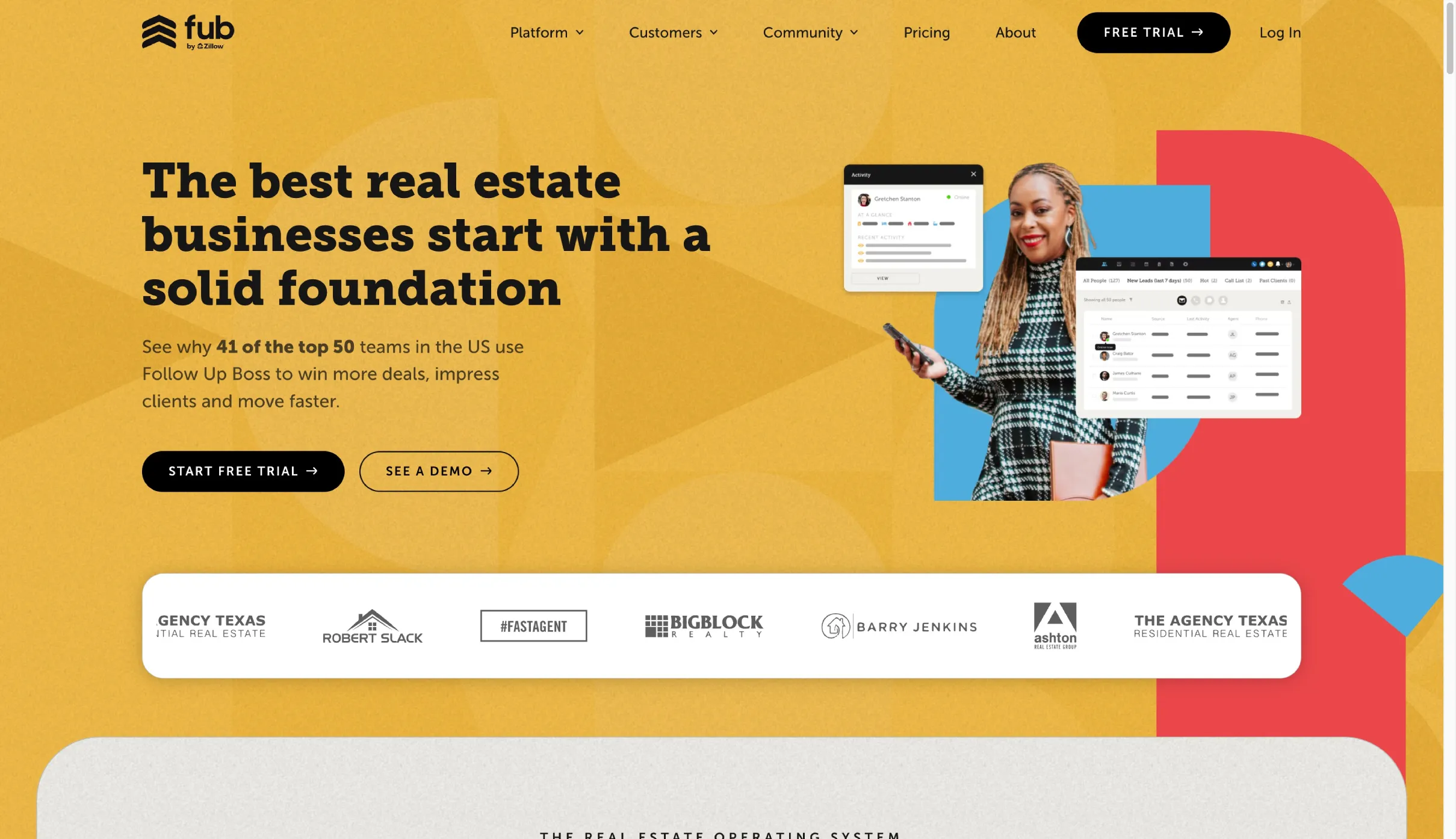
Follow Up Boss is built specifically for real estate lead management. It acts as a centralized hub where leads from your website, Zillow, Trulia, open houses, and other sources automatically flow in and get distributed to your team.
The platform emphasizes nurturing through two-way text messaging and email tracking. You can see if a lead opened your email or replied to a text, set up drip campaigns for long-term follow-ups, and get automatic reminders to contact prospects.
The system might remind you to call someone three days after a showing or automatically send new listing alerts to buyer leads. In real estate, where response speed often determines who gets the client, Follow Up Boss ensures nothing falls through the cracks.
Pipedrive
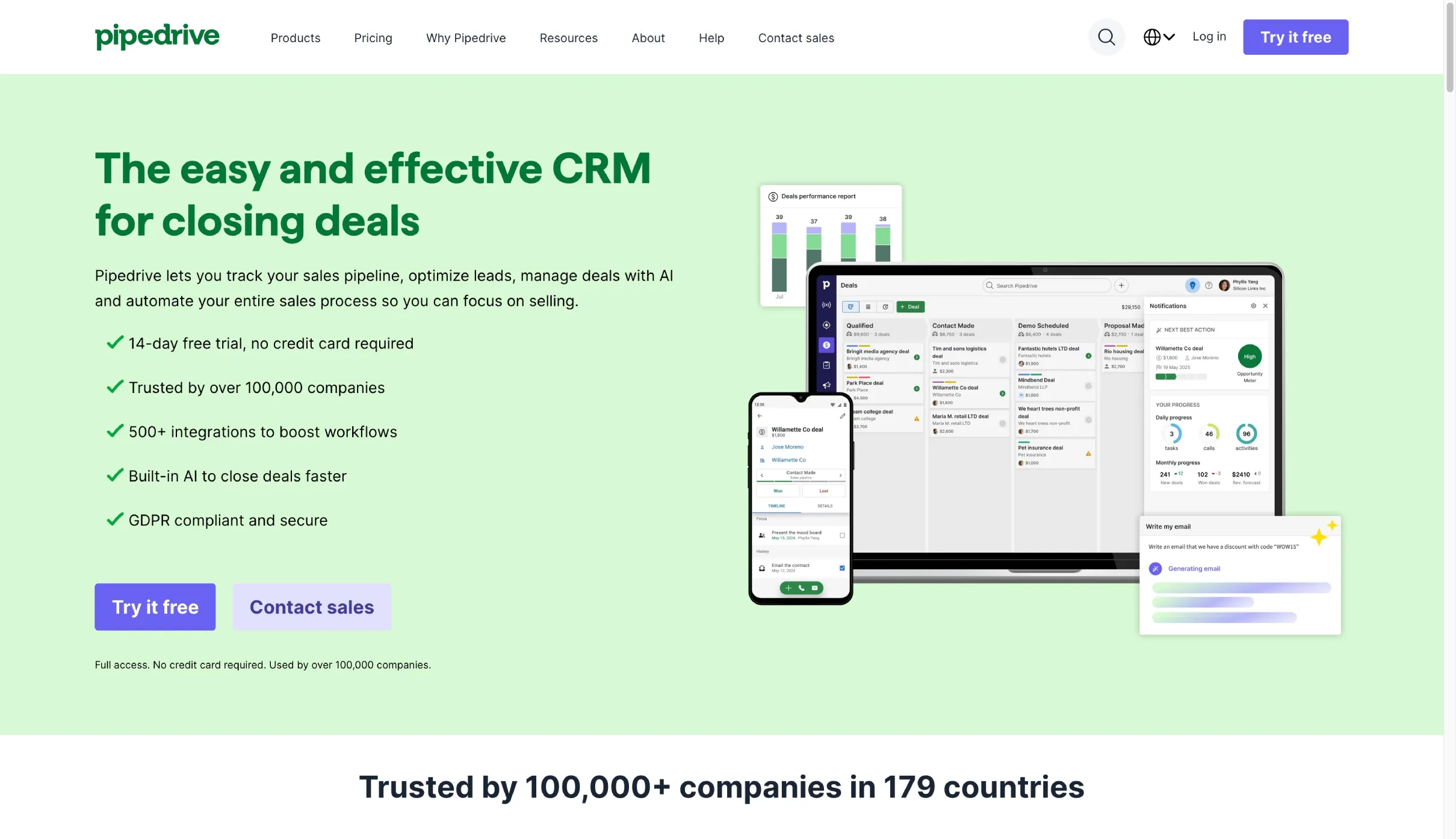
Pipedrive uses a visual pipeline approach that many agents find intuitive. Create stages like New Lead, Contacted, Home Search, Offer Made, and Closed, then track each client by moving them through these stages.
The kanban-style interface lets you see all active buyers and sellers at a glance. Customize fields for information like "Desired Neighborhood" or "Pre-approved?" and set reminders for follow-ups. The mobile app lets you update deals after showings or add notes about client preferences while you're out.
Pipedrive helps you stay organized by visually managing your transaction pipeline and ensuring every client gets personal attention through to closing.

HubSpot
HubSpot is an all-in-one CRM and marketing platform. It tracks contacts and deals while integrating email marketing, website forms, landing pages, and ad tracking in one system.
For brokerages or busy teams, HubSpot automates your lead capture and nurture process. Someone fills out a home valuation form on your site, gets added to the CRM, receives an instant thank-you email, and enters a drip campaign of monthly market updates.
The platform can auto-send new listings based on saved buyer criteria, remind you of client anniversaries, and log every interaction on a contact's timeline.
The marketing automation keeps you top-of-mind with less manual effort through routine touchpoints like holiday greetings or market news. It's comprehensive and best suited for those ready to invest in setup for long-term efficiency gains.
AI Tools
ChatGPT
ChatGPT is the strongest generalist model: it’s consistently good across writing, analysis, planning, ideation, light technical work, and deep research workflows.
It’s rarely the absolute best at a single narrow task, but it’s dependable at almost everything, which makes it the default “workhorse” for real estate marketing teams who want one tool that can research a market, outline a campaign, draft assets, and iterate without switching contexts.
The tradeoffs are that it’s very agreeable (sometimes to a fault), can default to safe consensus answers, and over long-form work it may lose thread and start repeating or flattening ideas unless tightly guided.
Claude
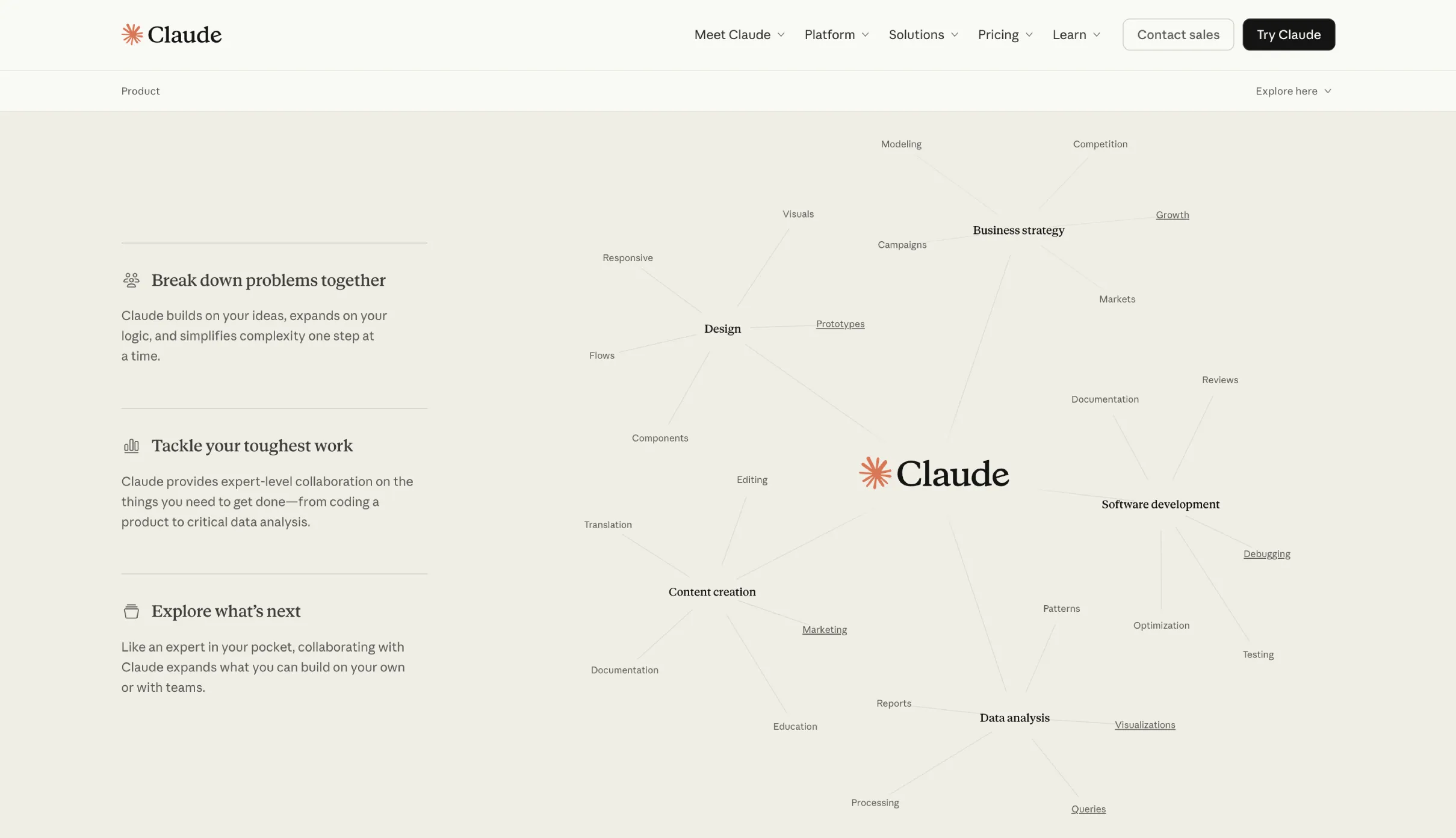
Claude really shines in creative writing and long-form generation, it’s comfortable producing larger, more cohesive outputs and sustaining a voice across extended text.
It’s less eager to agree and more willing to hold a tone, a narrative arc, or a stylistic stance, which makes it especially strong for storytelling, brand writing, and documents that need flow rather than constant steering.
Higgsfield
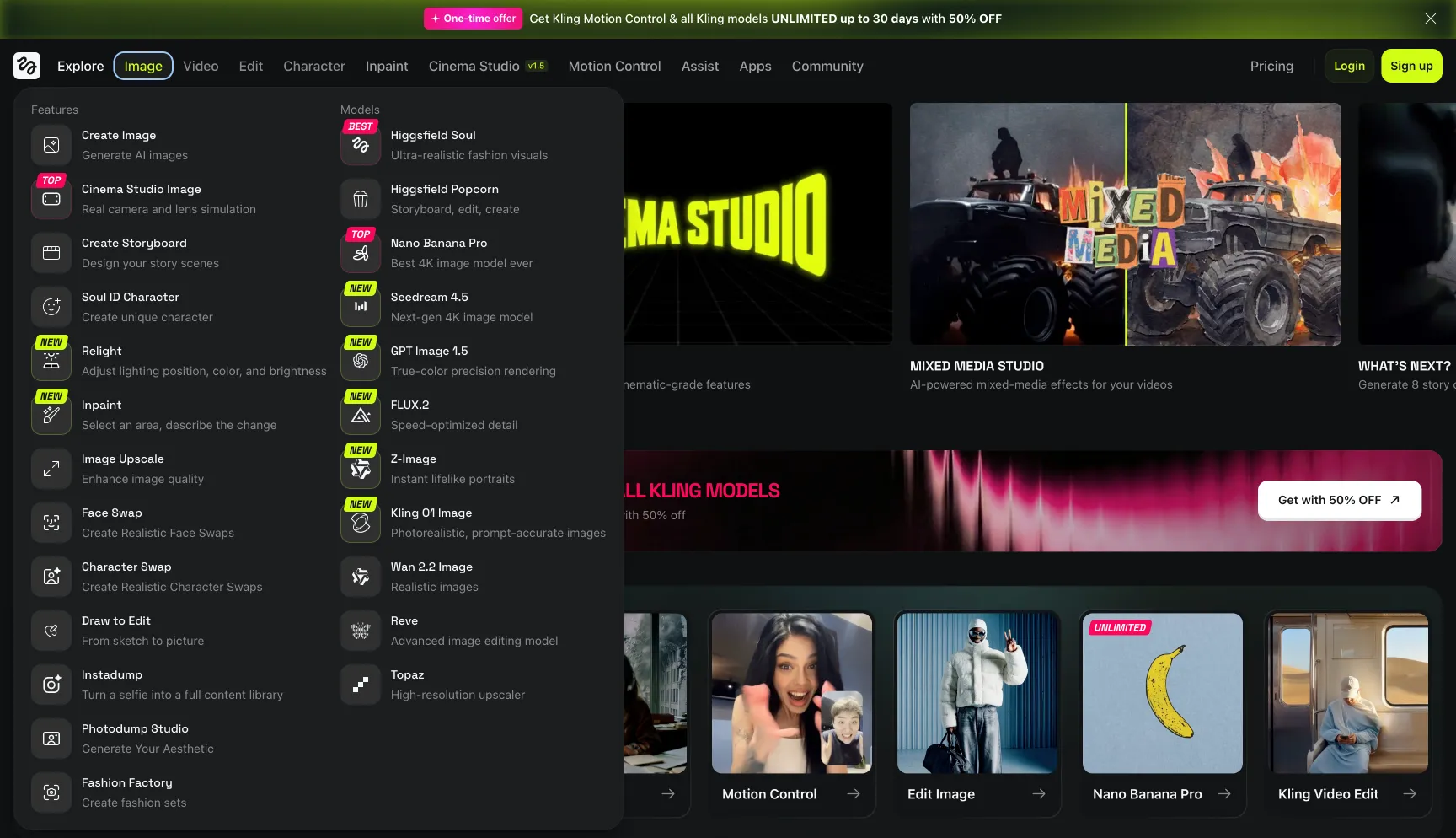
Higgsfield represents the cutting edge of AI video generation. It creates marketing visuals with cinematic flair without traditional filming.
You can craft AI-generated property tour videos, dynamic transitions like aerial neighborhood flyovers you never actually shot, or virtual staging scenes. Input property photos or prompts and get a promotional video highlighting features with music and text, no videographer needed.
While still emerging, tools like Higgsfield help you produce more visual content faster to meet social media demands.
The ability to generate high-quality animations or imagery at a fraction of traditional production time and cost makes it valuable for volume content creation.
How to Choose the Right Marketing Tools
Assess Your Current Business Stage
A new agent has different needs than an established professional or team. If you're just starting out, focus on essentials: a website, basic CRM, and social media scheduling. Established agents might need advanced SEO tools and marketing automation. Teams require collaboration features and lead distribution systems.
Start With Essentials, Add Complexity as You Grow
Don't try to implement everything at once. Begin with tools that address your biggest pain points right now. Struggling with lead follow-up? Start with a CRM. Need better online visibility? Focus on your website and SEO. As your business grows and you master the basics, layer in more sophisticated tools.
Take Advantage of Free Trials
Most tools offer free trials or free versions. Test them before committing. A tool that works perfectly for another agent might not fit your workflow. Use trial periods to ensure the interface makes sense, the features deliver value, and the tool integrates with your existing processes.
Conclusion
The best real estate marketing tools amplify your efforts and help you compete effectively in a demanding market. You don't need every tool mentioned here. Start with two or three core tools in the categories that will have the biggest impact on your business right now.
Maybe you need better lead management, so a CRM becomes priority one. Perhaps your website is outdated, making a website builder the starting point. Or you're losing deals because competitors showcase properties better on social media, pointing you toward video editing tools.
Evaluate honestly where the gaps are in your current marketing approach. Then add tools strategically as you grow and master each new addition. Investing in proper marketing tools is investing in your business growth. The agents thriving in today's market are the ones who work smarter by leveraging technology to do more with their time.